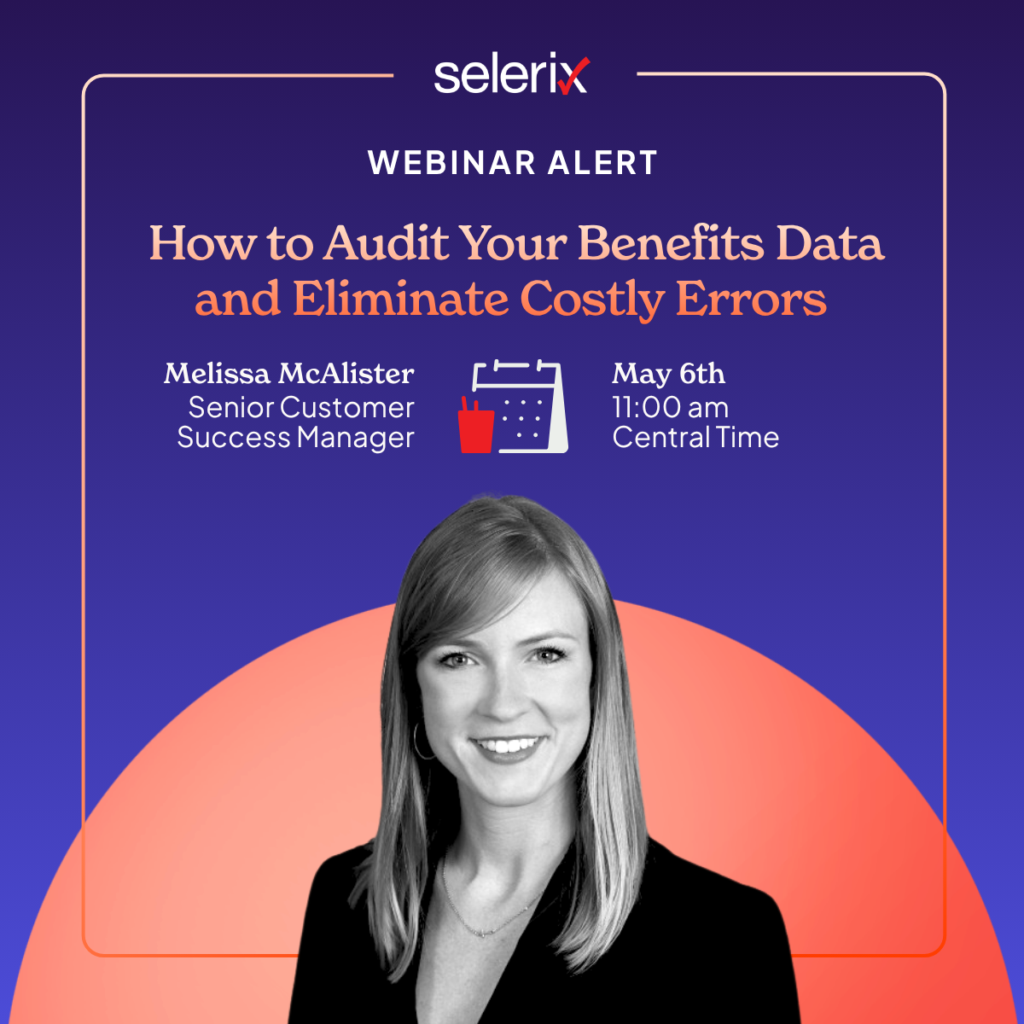
How to Audit Your Benefits Data and Eliminate Costly Errors

A practical guide to cleaning up payroll deductions, carrier billing, and coverage data before small issues become expensive problems
Open enrollment may be over, but the real work of maintaining accurate benefits data is just getting started.
By spring, employees have started using their benefits. Payroll deductions have been running for several months. Carrier feeds and invoices are active. Questions that once flooded HR inboxes have slowed down — and that makes this the ideal time to pause, evaluate your systems, and identify issues before they snowball into bigger problems later in the year.
As Melissa McAllister, Customer Success Manager at Selerix, explained during our recent webinar, Spring Reset: How to Audit Your Benefits Data and Eliminate Costly Errors, benefits auditing is a lot like spring cleaning for your HR tech stack.
And for HR and benefits teams juggling disconnected systems, manual processes, and growing compliance complexity, a regular audit process can make all the difference.
“The worst time to discover a benefits error is when someone is trying to use their coverage.”
Why Spring Is the Best Time to Audit Benefits Data
The first quarter of the year gives HR teams valuable operational insight:
- Employees have started using new plans
- Carrier changes have taken effect
- Payroll deductions are active
- Enrollment issues are surfacing naturally
By Q2, you can begin identifying trends, inconsistencies, and process gaps before they create year-end billing headaches or employee frustration.
This is especially important because many benefits issues don’t show up immediately after open enrollment. A dependent aging off a plan, an incorrect payroll deduction, or a missed carrier update may not surface until a claim is denied months later.
That’s why Selerix encourages employers to treat spring as a strategic reset point — not just for open enrollment planning, but for overall benefits administration health.
Common Benefits Data Errors HR Teams Discover During Audits
Most audit findings aren’t caused by catastrophic failures. More often, they stem from timing issues, disconnected systems, manual adjustments, or rules that weren’t applied consistently.
Some of the most common issues include:
Payroll deduction mismatches
An employee’s payroll deduction may not align with the coverage they elected in the ben admin system. This often happens because of:
- leave of absence situations
- delayed deduction starts
- catch-up premiums
- manual payroll changes
- missed updates between systems
Dependents remaining on plans past eligibility
Dependent eligibility issues are incredibly common — especially with age-based rules.
For example:
- medical plans may age dependents off at 26
- dental and vision plans may have different student eligibility rules
- incorrect family tier pricing may continue after a dependent ages off
Incorrect effective dates
Coverage beginning mid-month instead of the proper effective date can lead to:
- carrier billing discrepancies
- denied claims
- employee confusion
- inaccurate payroll deductions
Spending account compliance conflicts
Audits can also uncover compliance-related issues, including:
- employees enrolled in both an HSA and PPO
- HSA and FSA conflicts
- incorrect contribution amounts
Missing employer-paid coverage
Some employers discover eligible employees were never enrolled in employer-paid benefits such as:
- basic life insurance
- short-term disability
- long-term disability
“Every mismatch tells a story. The audit is about figuring out why it happened before it becomes a bigger problem.”
The Three Systems Every HR Team Should Compare
Melissa recommends comparing three core sources of truth during every audit:
1. Payroll deductions
Review:
- payroll deduction reports
- cost-per-pay amounts
- deduction codes
2. Benefits administration data
Review:
- active enrollments
- coverage tiers
- effective dates
- eligibility status
3. Carrier billing or self-bills
Review:
- carrier invoices
- self-billed records
- enrollment feeds
The goal is simple: all three systems should align.
If they don’t, it’s important to determine why.
“If your payroll system, ben admin platform, and carrier bill don’t match, somebody’s eventually going to feel it.”
A Simple Process for Conducting a Benefits Audit
For many HR professionals — especially departments of one — auditing can feel overwhelming. But Melissa emphasized that the process becomes much more manageable when broken into repeatable steps.
Step 1: Pull the right reports
Start with:
- a full payroll deduction report
- a benefits enrollment report
- a carrier invoice or self-bill
If you’re a Selerix BenSelect user, Melissa recommends reports such as:
- Generic Payroll Report
- Benefit Summary
- Census Reports
- Generic Payer Reports
Step 2: Create a unique identifier
One employee may have multiple lines of coverage, so it’s critical to compare the correct deductions across systems.
Melissa recommends creating a unique identifier using:
- employee ID or Social Security number
- plus the deduction code
For example:
123456789 + MED1
This allows teams to accurately compare apples to apples.
Step 3: Use Excel functions to identify discrepancies
Simple spreadsheet tools can dramatically speed up audits, including:
- CONCATENATE
- VLOOKUP
- XLOOKUP
- TRUE/FALSE comparisons
For smaller HR teams, learning these functions can save significant time during quarterly reviews.
Step 4: Investigate mismatches
Once discrepancies are identified, determine the root cause:
- leave of absence?
- missed deductions?
- delayed effective dates?
- carrier timing issues?
- manual payroll changes?
The audit process itself doesn’t have to be time-consuming — the investigation work is usually where the real effort begins.
Why Life Insurance Audits Require Extra Attention
While all benefits data matters, life insurance audits deserve particular focus because of the complexity and emotional sensitivity involved.
Life insurance plans often include:
- age-banded rates
- age reductions
- spouse percentage limits
- guaranteed issue rules
- AD&D bundling
- rounding rules
- salary-based calculations
Even small configuration inconsistencies can create major claim issues later.
And unlike other benefits errors, life insurance claims happen during incredibly difficult moments for employees’ families.
If coverage amounts, reductions, or eligibility rules are incorrect, beneficiaries may receive less than expected — creating financial and emotional stress during an already devastating time.
That’s why we strongly recommend reviewing:
- age reduction timing
- spouse coverage rules
- guaranteed issue thresholds
- dependent eligibility
- AD&D enrollment alignment
How Often Should HR Teams Audit Benefits Data?
At minimum, we recommend conducting audits quarterly.
Monthly reviews are even better.
Regular auditing helps:
- improve billing accuracy
- reduce payroll discrepancies
- identify enrollment gaps faster
- improve employee confidence
- reduce claim issues later
And for smaller HR teams with limited bandwidth, her advice was refreshingly practical:
Start with one month.
Even reviewing a single completed month of deductions and enrollments can reveal valuable insights and create a repeatable process moving forward.
Benefits Audits Are Really About Trust
Benefits administration isn’t just about data accuracy.
It’s about employee confidence.
Employees trust that:
- their deductions are correct
- their dependents are covered
- their claims will process properly
- their coverage will be there when they need it most
And that trust depends on clean, connected, and consistently managed data.
That’s also why many HR leaders are reevaluating their HR tech ecosystems altogether. Disconnected systems, manual processes, and fragmented workflows create unnecessary friction for both HR teams and employees.
Continue Your HR Tech Spring Cleaning
Benefits auditing is just one piece of maintaining a healthier HR technology ecosystem.
If your team is also evaluating disconnected systems, manual workflows, or enrollment inefficiencies, download our free guide:

HR Tech Spring Cleaning Guide
Inside the eBook, you’ll learn how to:
- prepare for smoother open enrollment cycles
- identify friction hiding in your HR tech stack
- improve benefits communication
- strengthen data governance
- simplify administration workflows
Watch the Full Webinar Replay
Want to see Melissa walk through the audit process step-by-step — including reporting recommendations, Excel tips, and life insurance auditing best practices?